
Latest articles by Mauro Huculak

Windows 11 Windows 11 finally lets you move the Taskbar, resize the Start menu, and disable web and Store suggestions with the September 2026 update. Here's how.
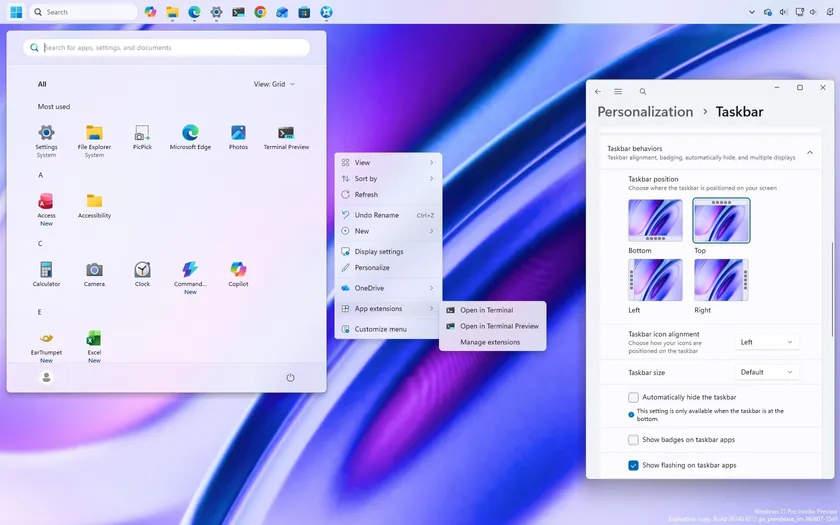
Windows 11 Microsoft is giving Windows 11 users more control over the context menu, Taskbar, and Start menu while reversing some of its most restrictive changes.

Windows 11 The latest Insider builds bring a customizable context menu, personalization changes, a better File Explorer, and some features say goodbye.

Windows 11 Microsoft continues to modernize Windows 11, but these three classic tools still need a major update without losing the advanced features users rely on.
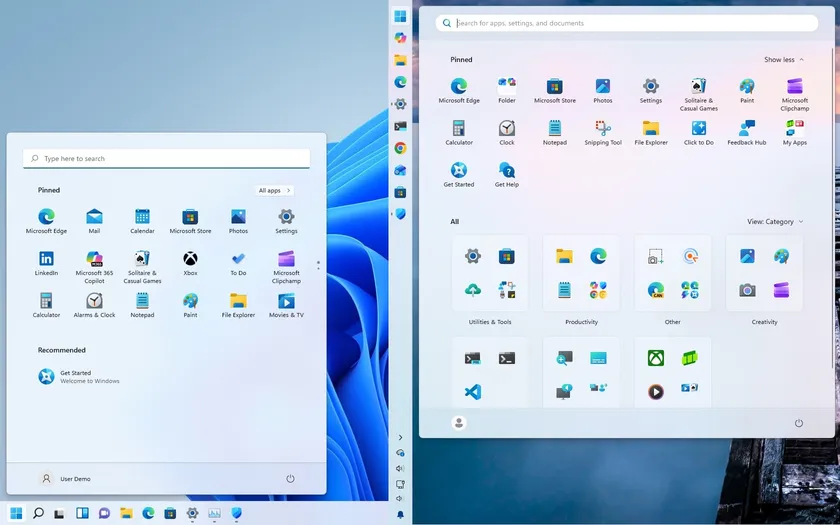
Windows 11 Windows 11 has evolved over the past five years. See how the Start menu, Taskbar, File Explorer, Search, AI, performance, and setup have changed.
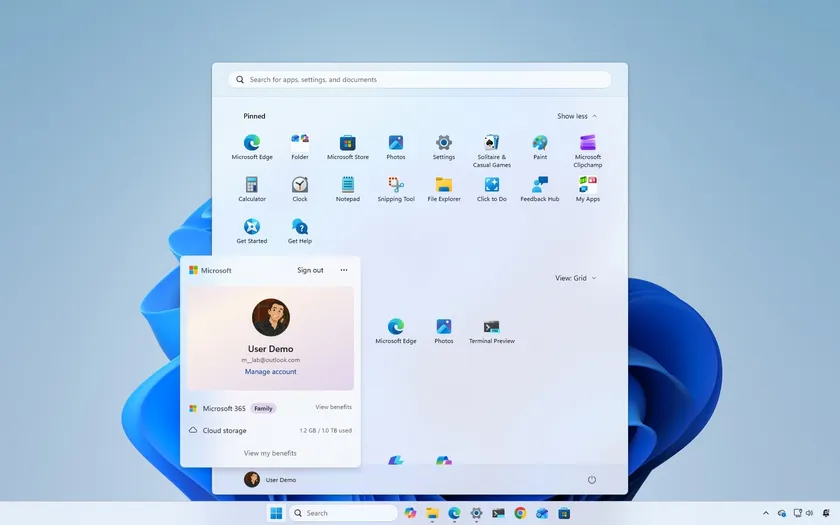
Windows 11 Microsoft’s latest Windows 11 update is rolling out now, bringing refinements to Start, Taskbar, Search, File Explorer, Widgets, and core system behavior.

Windows 11 Windows 11 can feel busy with widgets, badges, and recommendations. These are the features I disable for a calmer desktop experience.

Security All-in-one security protects every device in your home by eliminating gaps, reducing risks, and simplifying digital safety across platforms.
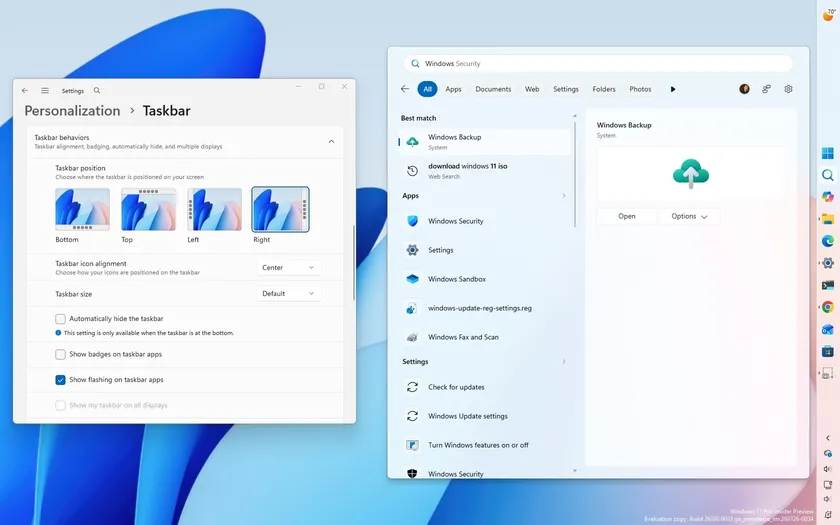
Windows 11 Microsoft tested new Windows 11 features in July 2026, including Taskbar controls, Start menu customization, improved Search, and File Explorer improvements.

Windows 11 Microsoft expands Enhanced Sign-in Security on Windows 11. Here's how it differs from standard Windows Hello and who should use it.

Windows 11 A lifelong Linux user switched to Windows 11, and the Reddit discussion reveals why compatibility still outweighs platform loyalty for many users.
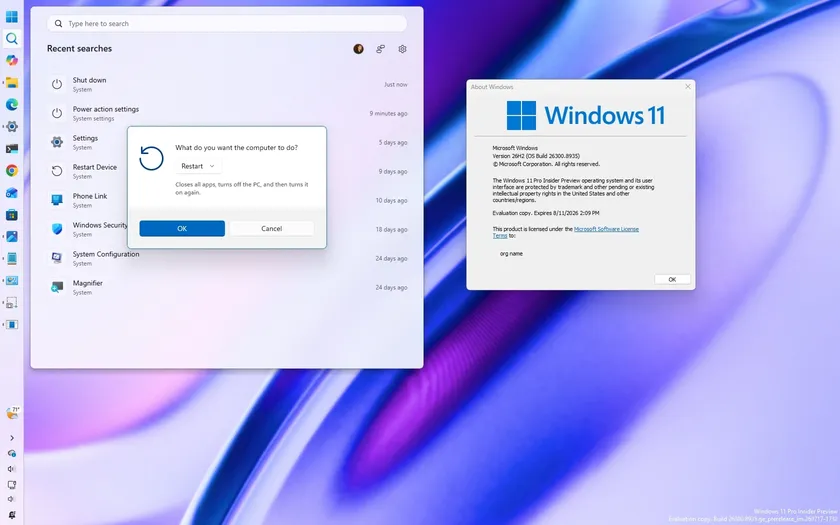
Windows 11 Here are all the Start menu, Taskbar, and Windows Search improvements coming with version 26H2.

Windows 11 Discover 10 underrated Windows 11 features Reddit users swear by, from Clipboard history and Winget to Sandbox and Reliability Monitor.
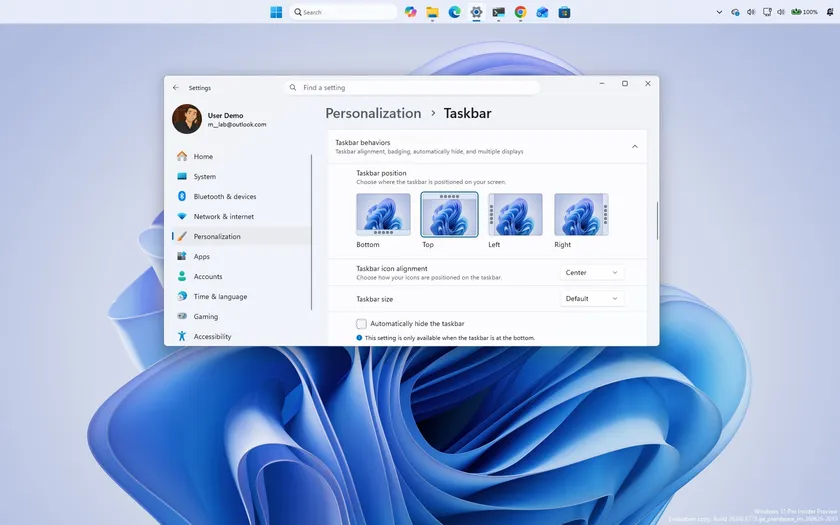
Windows 11 Microsoft's Windows 11 version 26H2 update explained. Discover what changes, upgrade options, hardware requirements, and why it matters.

Windows 11 Windows 11 update KB5101650 fixes 570 vulnerabilities and marks a new era for Patch Tuesday, as AI is now helping Microsoft to accelerate vulnerability discovery.

Windows 11 Windows 11 Insider builds for early July add Cloud rebuild, Windows Search changes, Taskbar positioning, Pro Education upgrades, and recovery improvements.

Windows 11 Windows 11 doesn't rely on one recovery option. Discover every tool available to repair, restore, reset, and rebuild your computer.

Windows 11 Microsoft's Cloud rebuild for Windows 11 downloads a fresh installation and drivers from Windows Update. Here's how it works and what to know.

Windows 11 BleachBit is an open-source Windows 11 cleaner with advanced cleanup options. Check out the recommended settings, secure deletion, and safe usage tips.

Windows 11 I picked the 7 Windows 11 version 26H2 features that matter most, from Start menu improvements to better search, security, and updates.

Windows 11 Windows 11 lets you limit system RAM using System Configuration settings. Here's how it works, why Task Manager may show less memory, and how to restore it.

Windows 11 Windows 11 emoji panel showing "GIF service is not available"? Here's why GIFs disappeared, how to fix the problem, and why results have changed.

Windows 11 Microsoft begins development of Windows 11 version 26H2 with new Taskbar options, Privacy page changes, Screen tint, and other Insider improvements.


